
Creating an image slideshow can be quick and easy with the right slideshow maker. Personal slideshows normally only need pictures, music, and a tool to create the slideshow video. It sounds easy, but it’s only easy when you choose the right tool for the job.
SlideshowGo is a cloud based slideshow maker that can create a beautiful image slideshow in minutes. There is no app required and no software to download. Here are the 5 super simple steps to create an image slideshow.
Name Your Album

Upload Your Images
Upload the images you’d like to have in your slideshow. Pick images that are good quality, in focus, and with good lighting.

Edit Your Images
Reorder your images, rotate them, and delete any duplicates. Try to order them chronologically (in date order) for the best results.

Set the Settings for Your Image Slideshow
(Premium) Set your transition effects and timings.

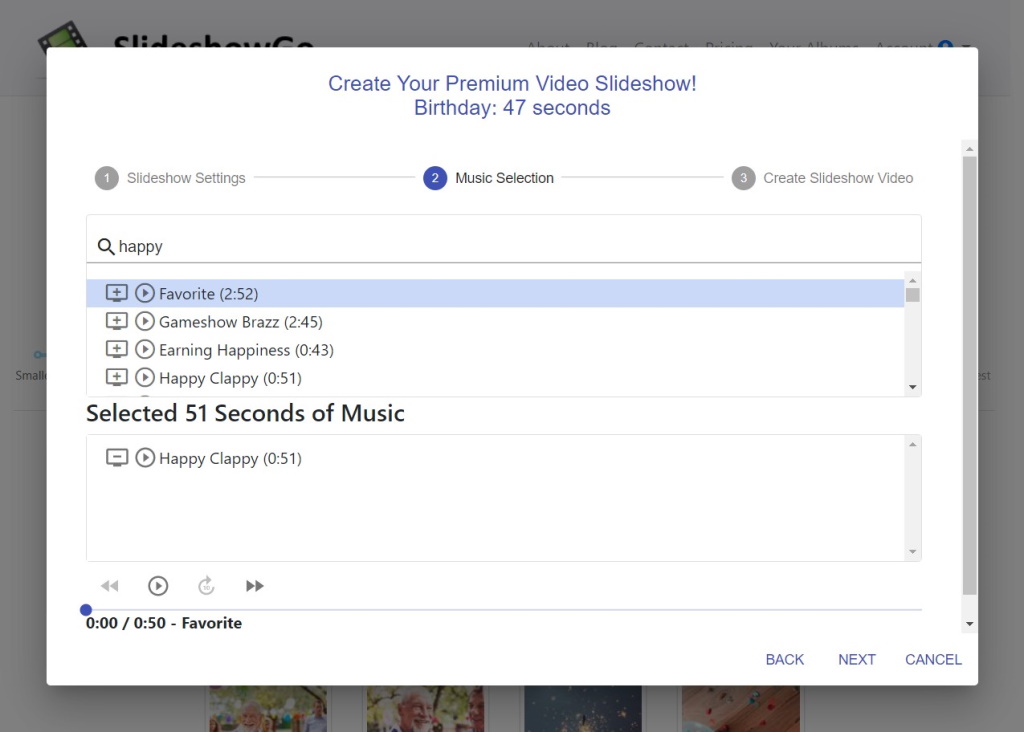
Select Your Music
(Premium) Select music from the music library.
You’re Finished!
SlideshowGo takes it from here and will create a beautiful image slideshow for you. When the video is complete, we’ll send you an email to let you know it’s ready. Just log back in to view and download!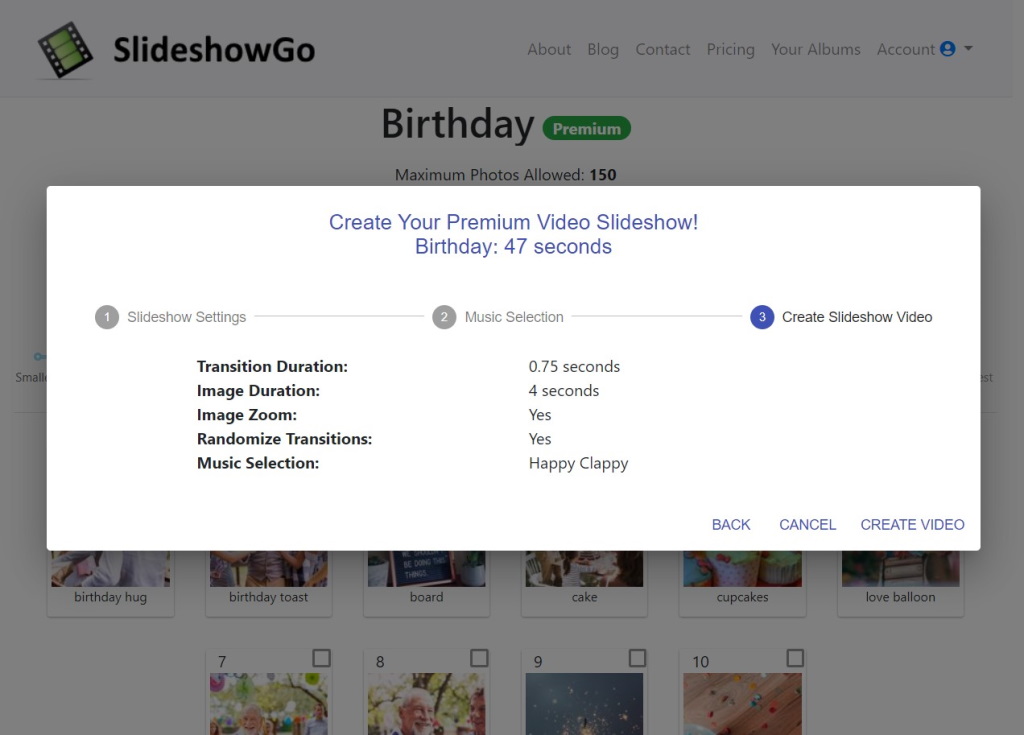
The Finished Image Slideshow
SlideshowGo creates beautiful image slideshows like this one for a birthday.
Still Not Convinced?
Watch us create a wedding slideshow video from start to finish in 1 minute. Nothing is faster or easier than SlideshowGo to create a simple, beautiful image slideshow.
Learn More
- Our 5 Steps For Creating A Perfect Slideshow Video teaches you how to select the best pictures, slideshow length considerations, music selection, and presentation tips.
- Once you’ve created the perfect slideshow, you want to read our 5 Steps For Presenting Your Slideshow Video. Here we go into detail on staging your slideshow, device consideration, audience sizes, and more.